App Icon

SpendAnalysis

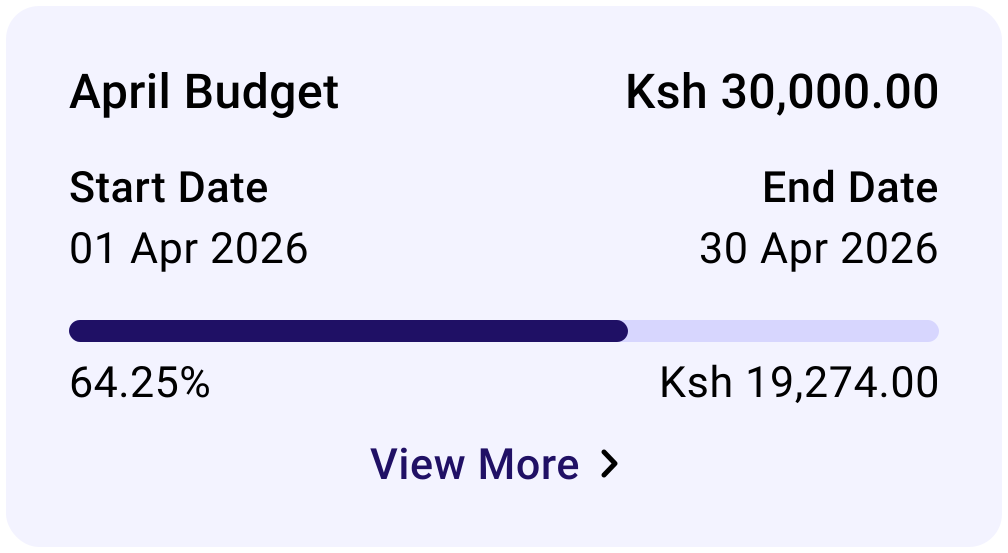
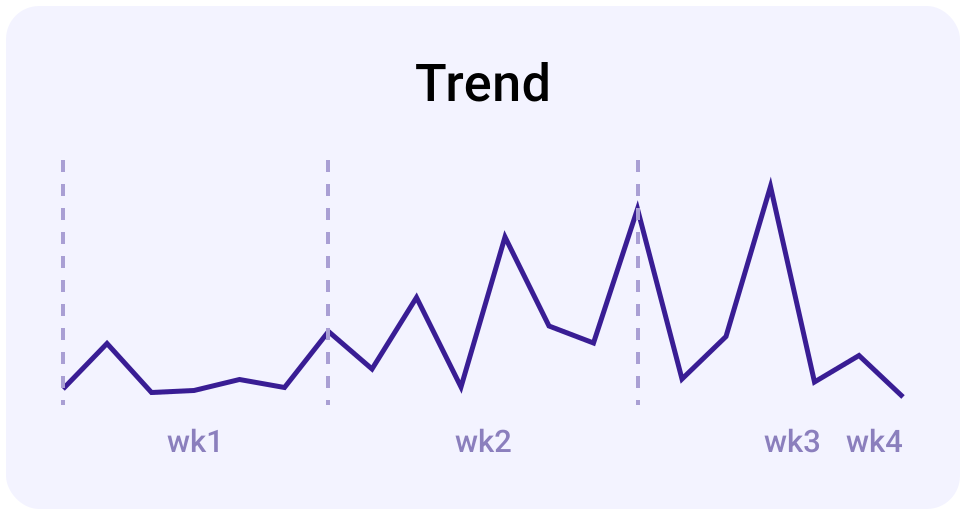
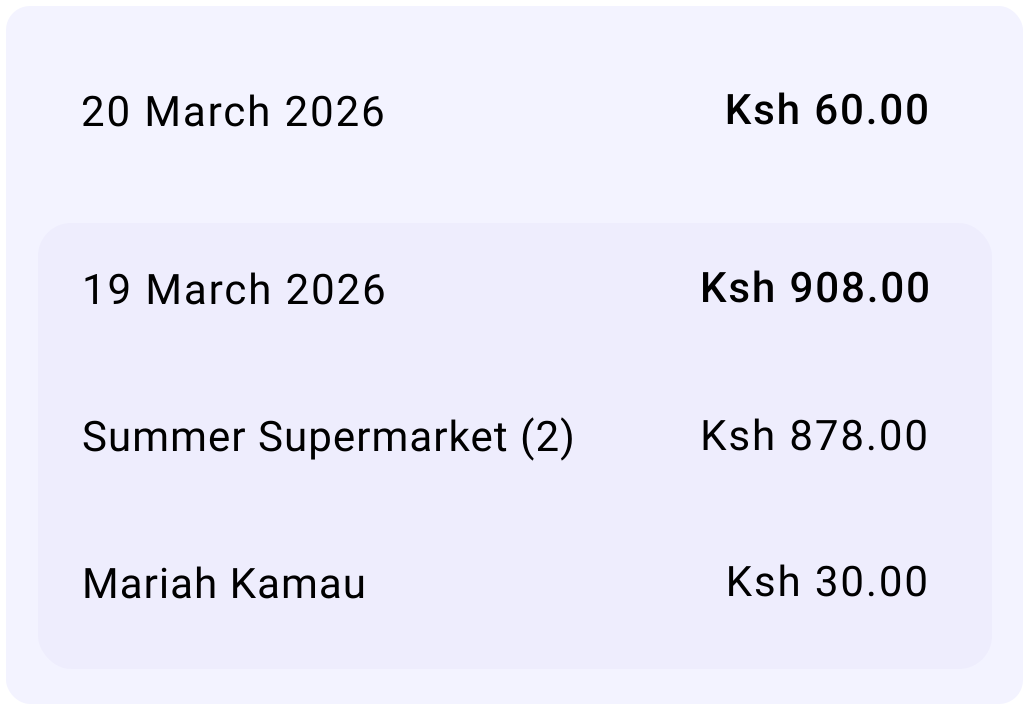
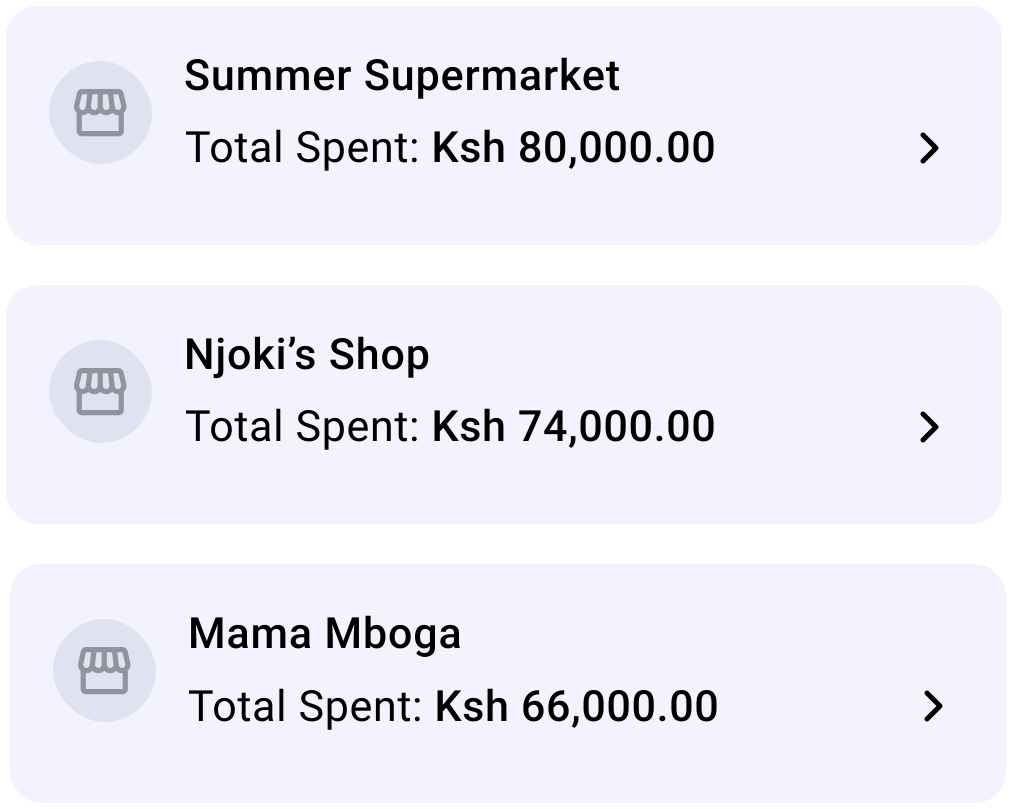
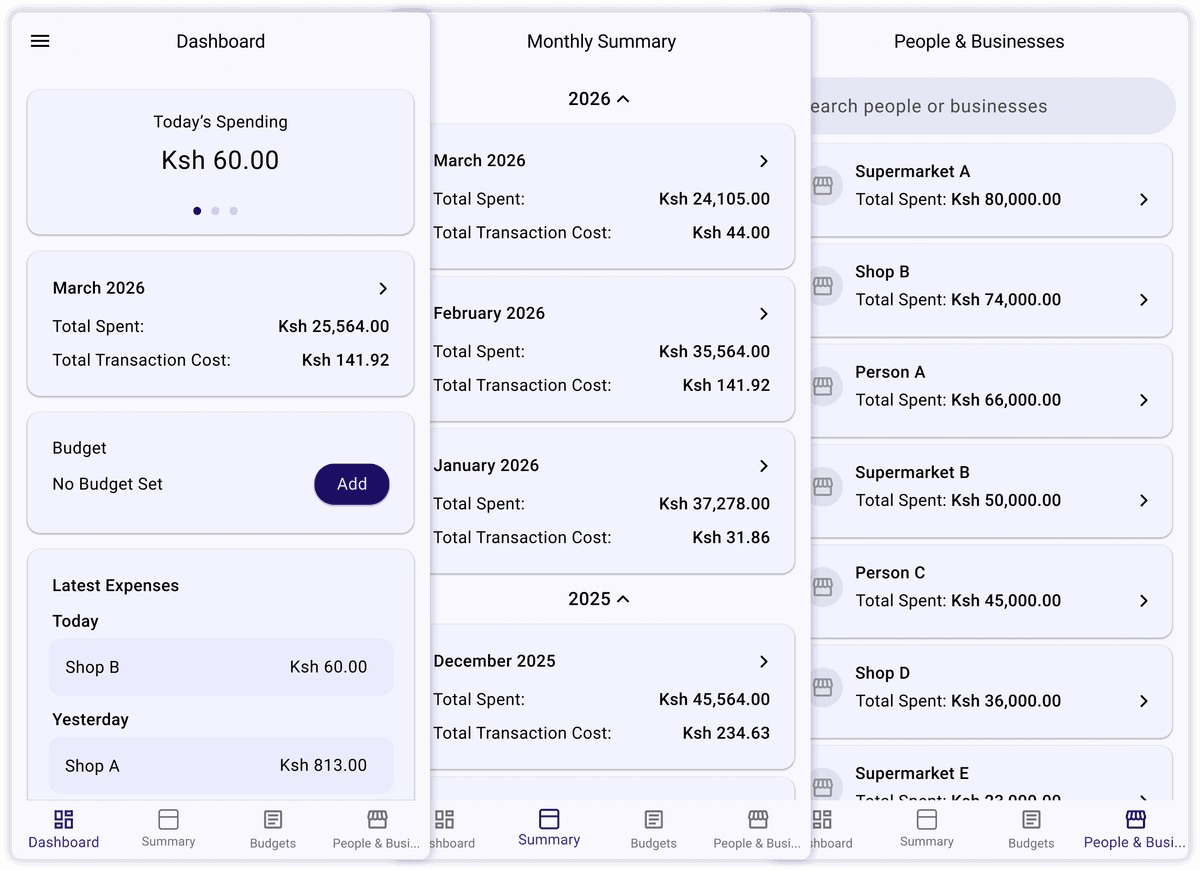
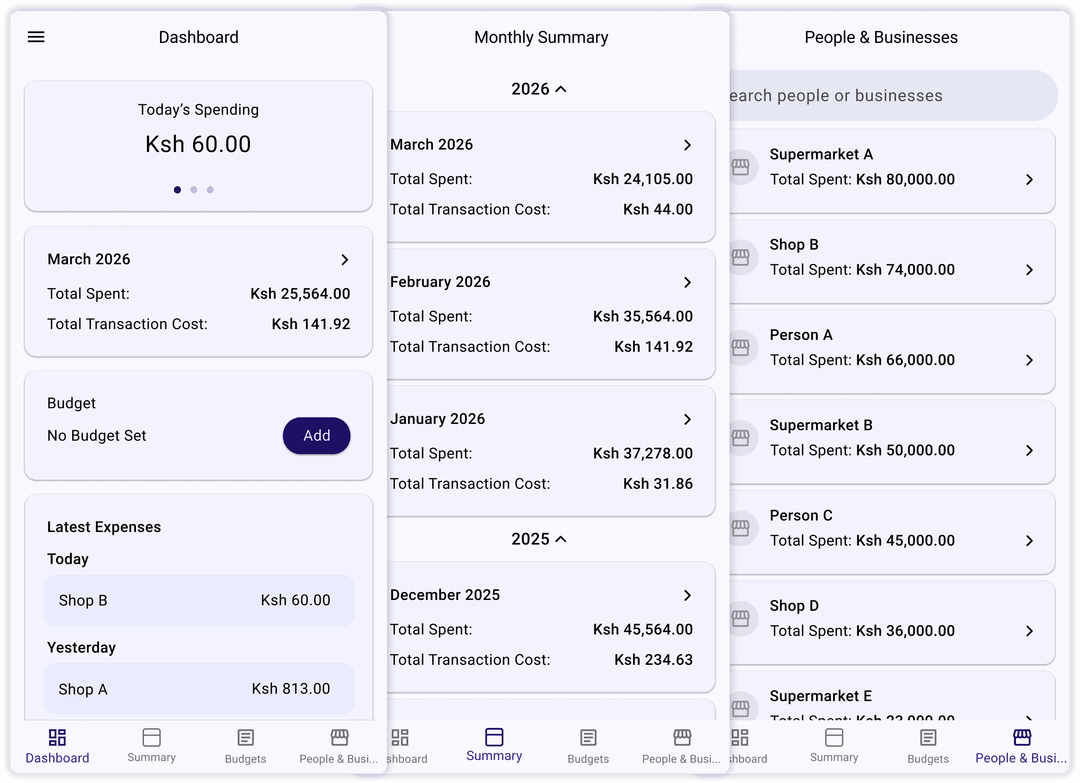
Introducing SpendAnalysis, the expenditure summary mobile application. This app gives you summaries of your daily and monthly expenditure of all transactions done through Mpesa.

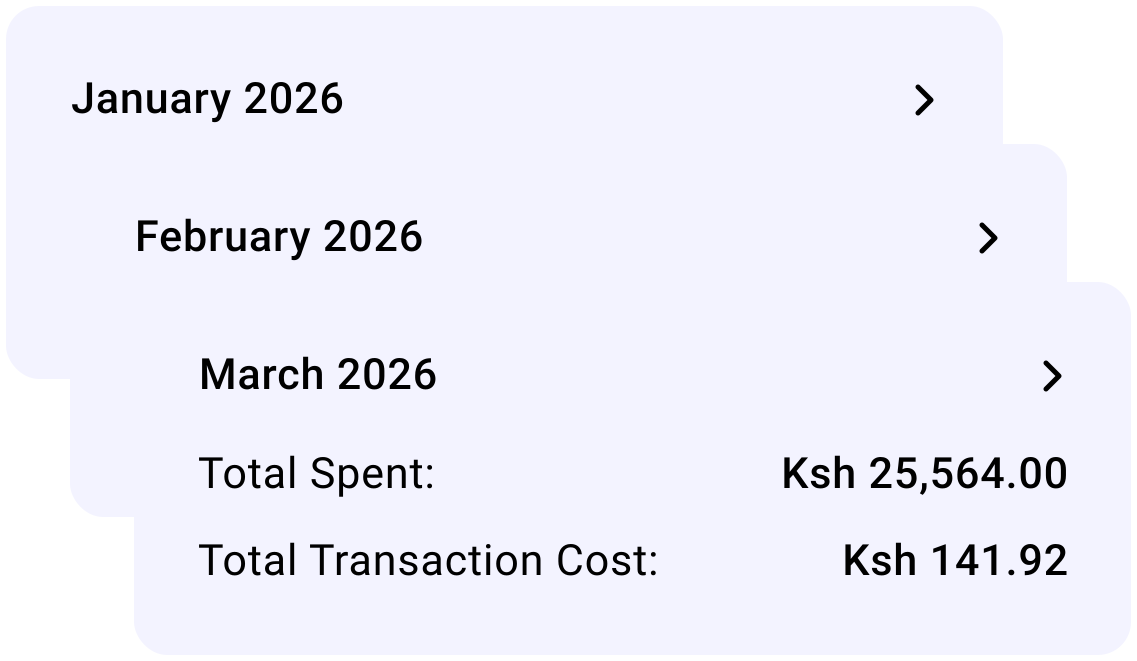
The summaries assist in financial planning and budgeting, as knowing you monthly expenditure assists in forecasting the next.

The summaries generated are as accurate as your Mpesa messages are. This means that any deleted messages are not accounted for.

Setup Instructions

  1. Download the application by clicking the download button below.
  2. Turn off Play Protect on Google Playstore. This is to allow you to install an application that is not on the Google Playstore. Steps to turn off are shown below followed by screenshots.
    • Open Google Playstore and click your account icon on the top right.
    • Screenshot 1
    • Click Play Protect
    • Screenshot 2
    • Click the settings icon at the top right
    • Screenshot 3
    • Toggle the Scan apps with Play Protect
    • Screenshot 4
    • The following popup will appear. Click Turn off.
    • Screenshot 5
    • You will be requested for your security credentials (PIN, fingerprint, Face ID)
    • Once done, go to your download folder and open the application to install.
  3. Install the application. You might be requested to enable "Install unknown apps". Enable this. This setting is just a security measure to preventing installing apps that are not from the Play Store

Frequently Asked Questions

  1. Does the app access my M-pesa Pin?
  2. No. It does not.

  3. Does this app send any of my messages outside my phone e.g. to a server?
  4. No. All processing happens on-device.